
What is inside a frame
At a beginner level, think of a LoRaWAN frame as an envelope. The envelope has addressing and control information so the network can process it, plus an encrypted payload that belongs to the application.
Common terms include PHYPayload, MACPayload, frame header, FPort, FRMPayload, and MIC. You do not need to memorize every byte at first, but you should know that only part of the frame is the business measurement.
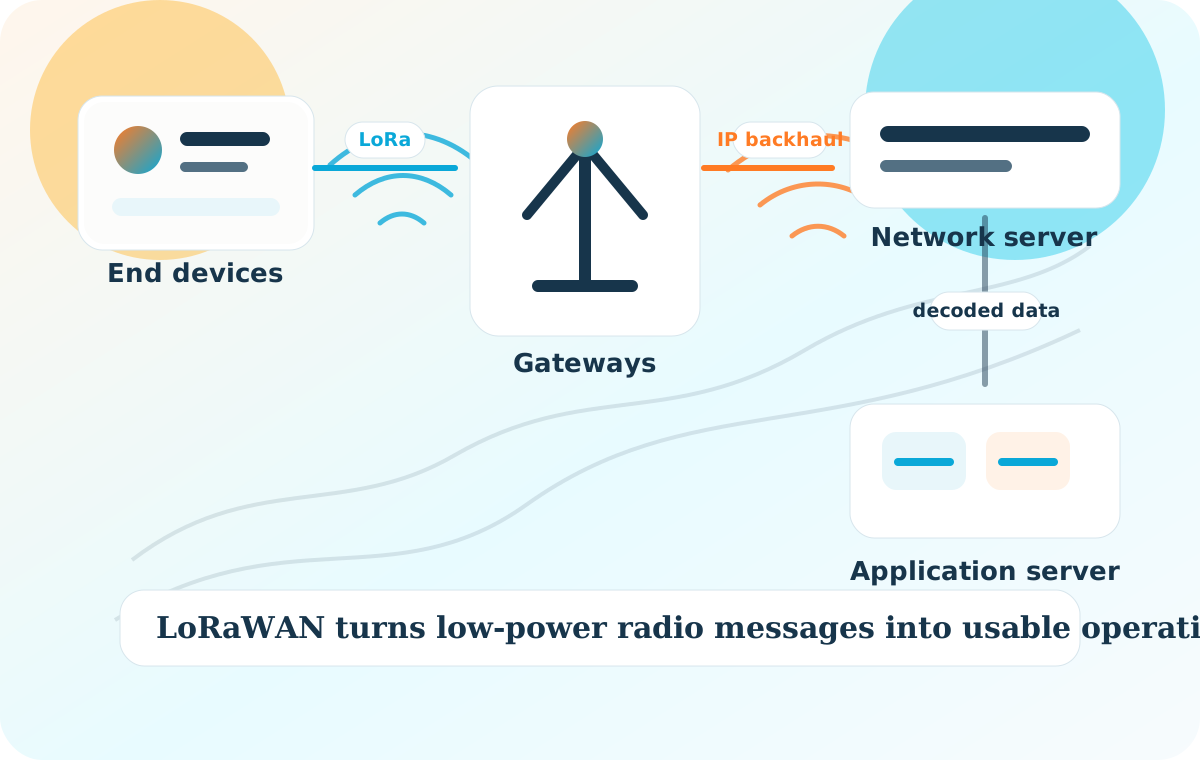
Uplink messages travel from end devices toward the network server through any gateways that hear them. Downlink messages travel from the network server to one selected device through one selected gateway.
Payload decoding
Most sensors send compact binary payloads to save airtime. An application or device management platform must decode those bytes into values such as temperature, battery level, GPS coordinates, pulse count, or alarm state.
FPort helps separate MAC commands from application data. As a beginner rule, application payloads normally use FPort values from 1 to 223, while FPort 0 is reserved for MAC commands.
This is where products like Device Explorer are useful: they connect device payloads to understandable data models and operational workflows.